
GastroApp manual
Routines, task board, shift notes and training
Recurring checklists, a Kanban board, messages between shifts, stations and training plans.
Step 1. Open Routines. Press Manage to create a list (opening, closing, cleaning, weekly) and choose when it repeats: every day, certain weekdays, even or odd weeks, or once. Create starter set adds an opening, a closing and a weekly cleaning list for you.
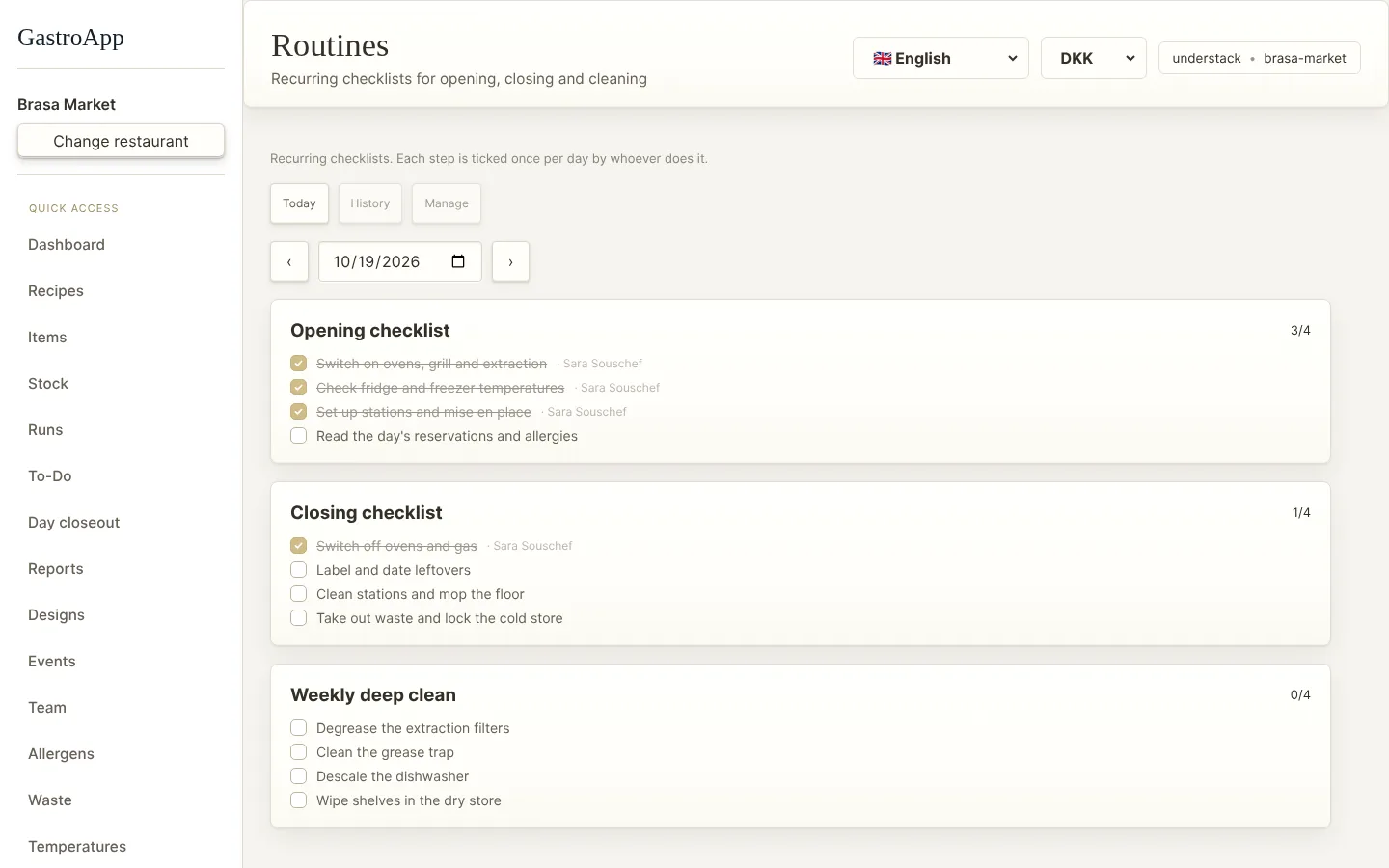
Routines page Step 2. Each day, Today shows the lists for that day. Tick every step; the app remembers who did it. History shows how much was done in the last 14 days.
Step 3. Open Task board for work that does not repeat. Press Add to create a card in To do, then move it to Doing and Done.
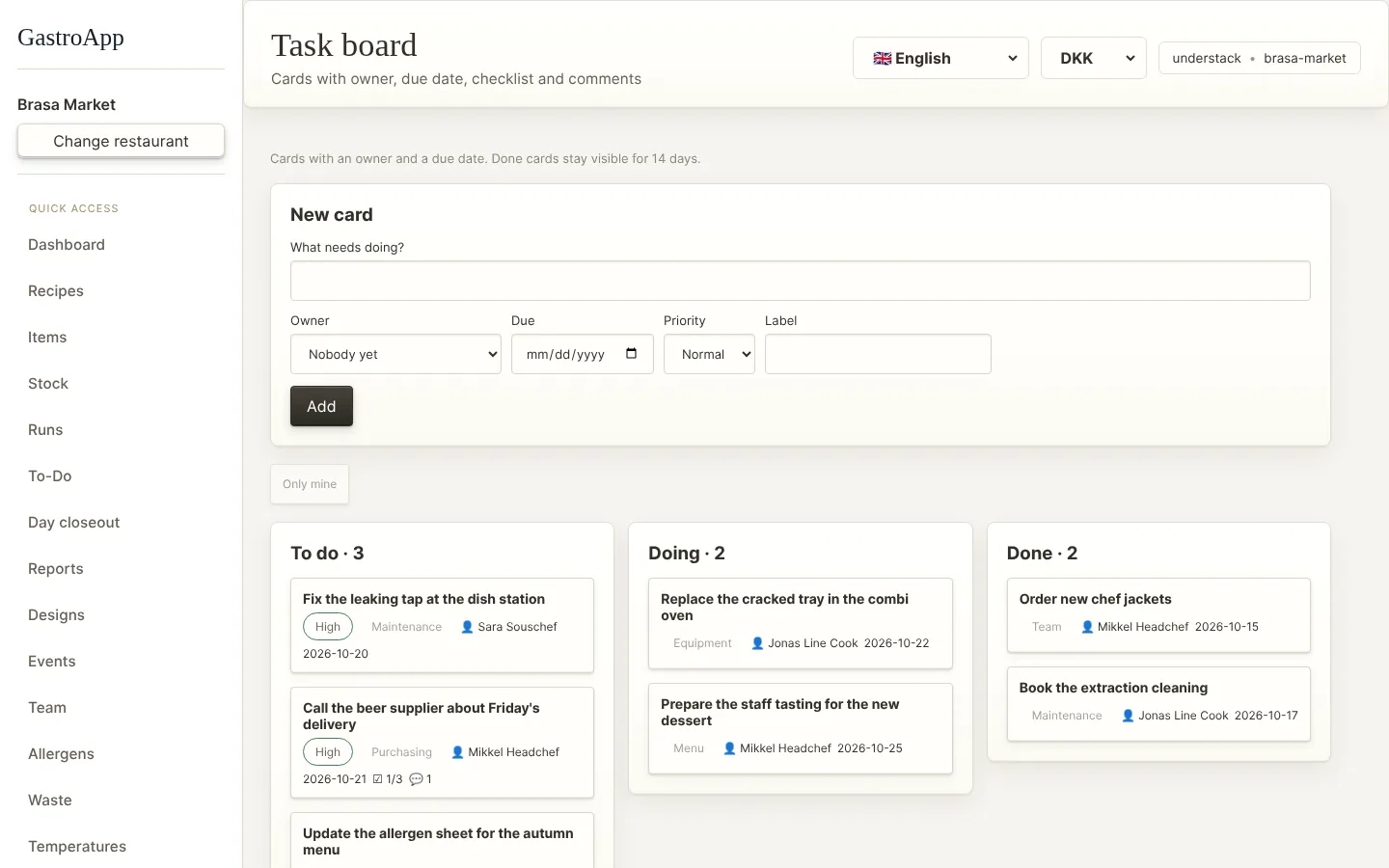
Task board Step 4. Give each card an owner, a due date (it turns red when late), a priority and a checklist. Add comments and files. Only mine shows your cards.
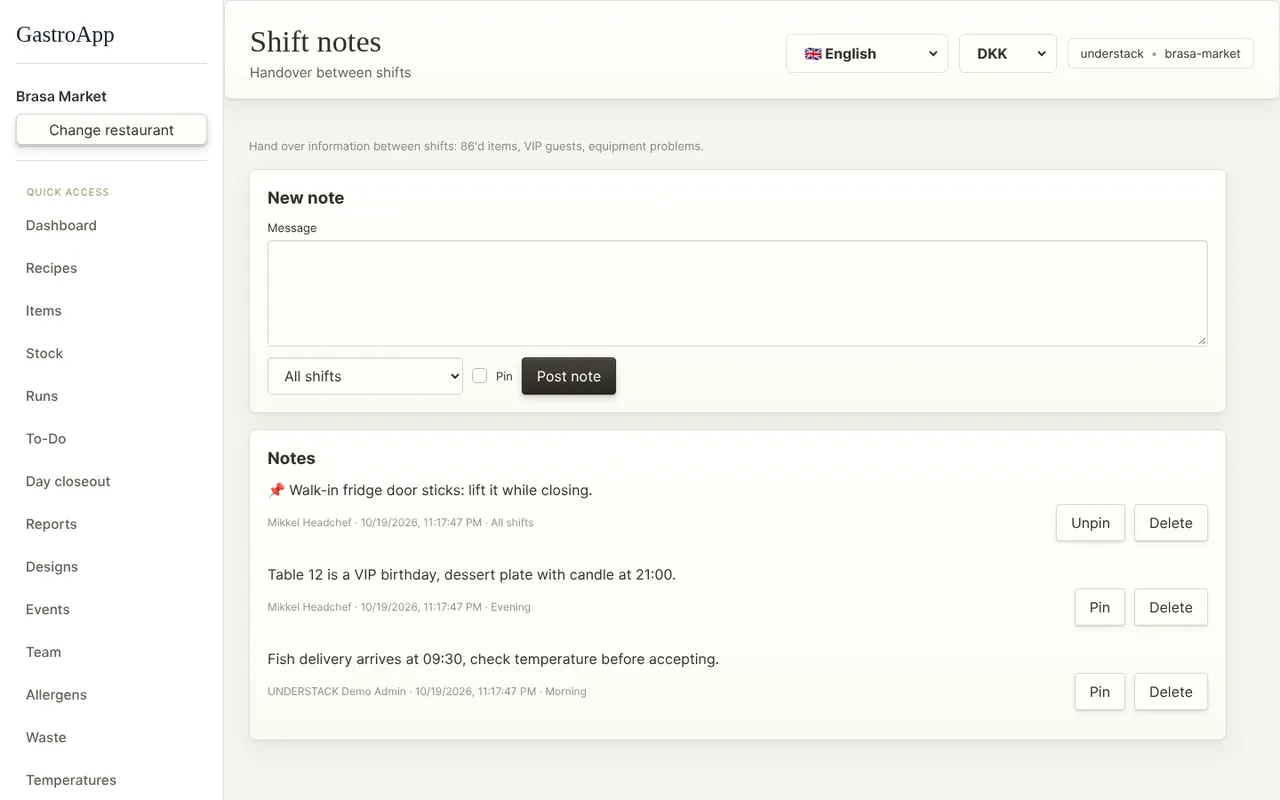
Step 5. Open Shift notes to leave messages for the next shift: dishes that ran out, VIP guests, broken equipment. Managers can Pin the important ones to the top.
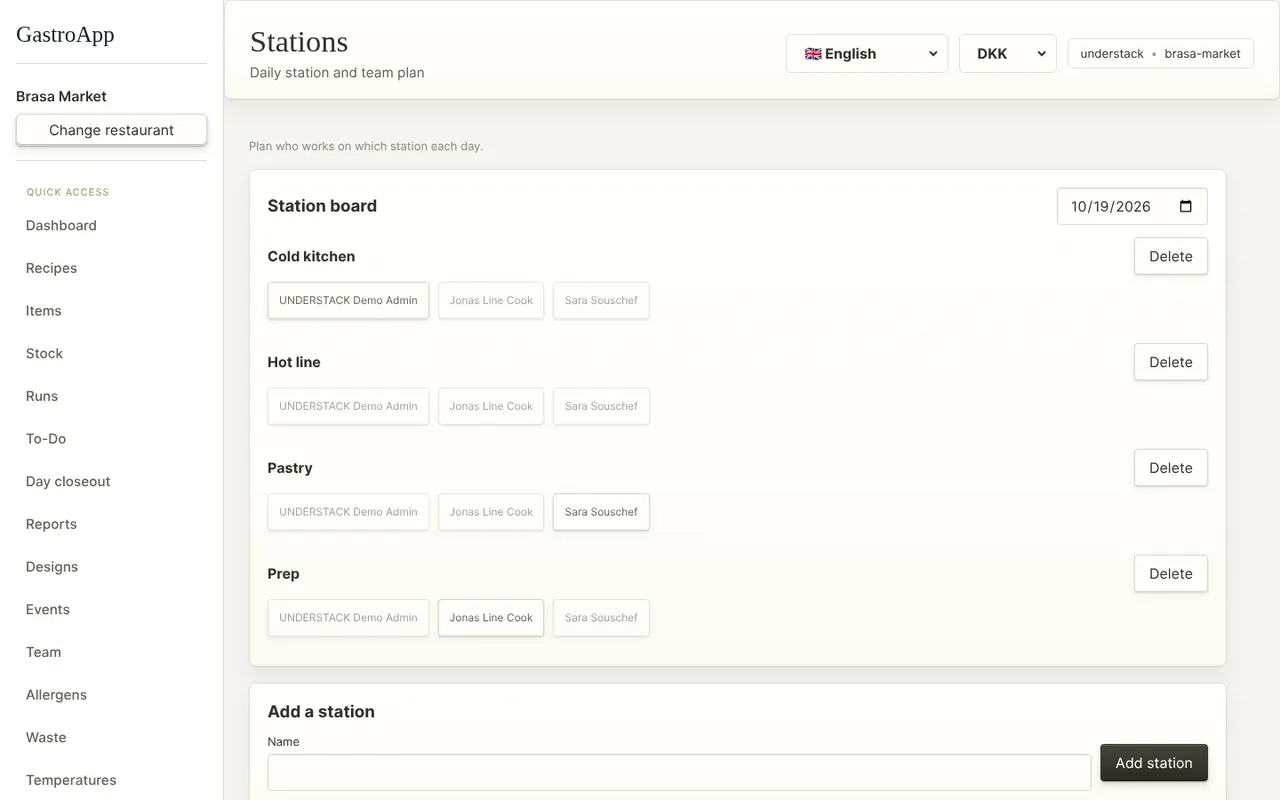
Shift notes Step 6. Open Stations to create your stations (cold kitchen, hot line, pastry…) and assign people for each day.
Station board Step 7. Open Training: press New training plan, write the steps, enrol people with Add to plan and follow their progress. A head chef can sign off steps for anyone; each person ticks their own in “My training”.
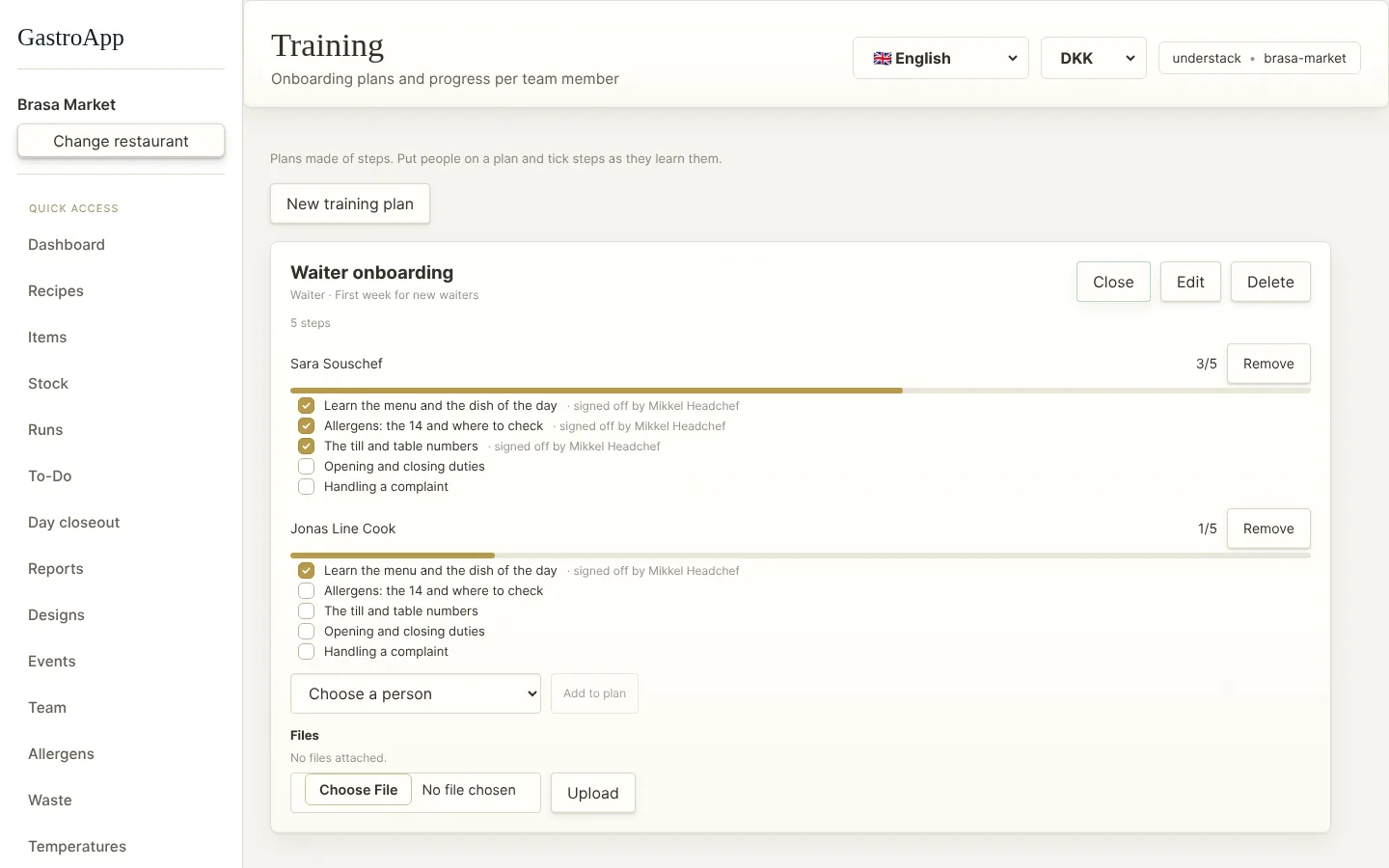
Training plans