
GastroApp manual
Events, buffet and event menus
Plan an event, calculate a buffet and get the shopping list and cost for each menu.
Step 1. Open Events and press New event. Give it a name, the date and the Number of people, plus special requirements.
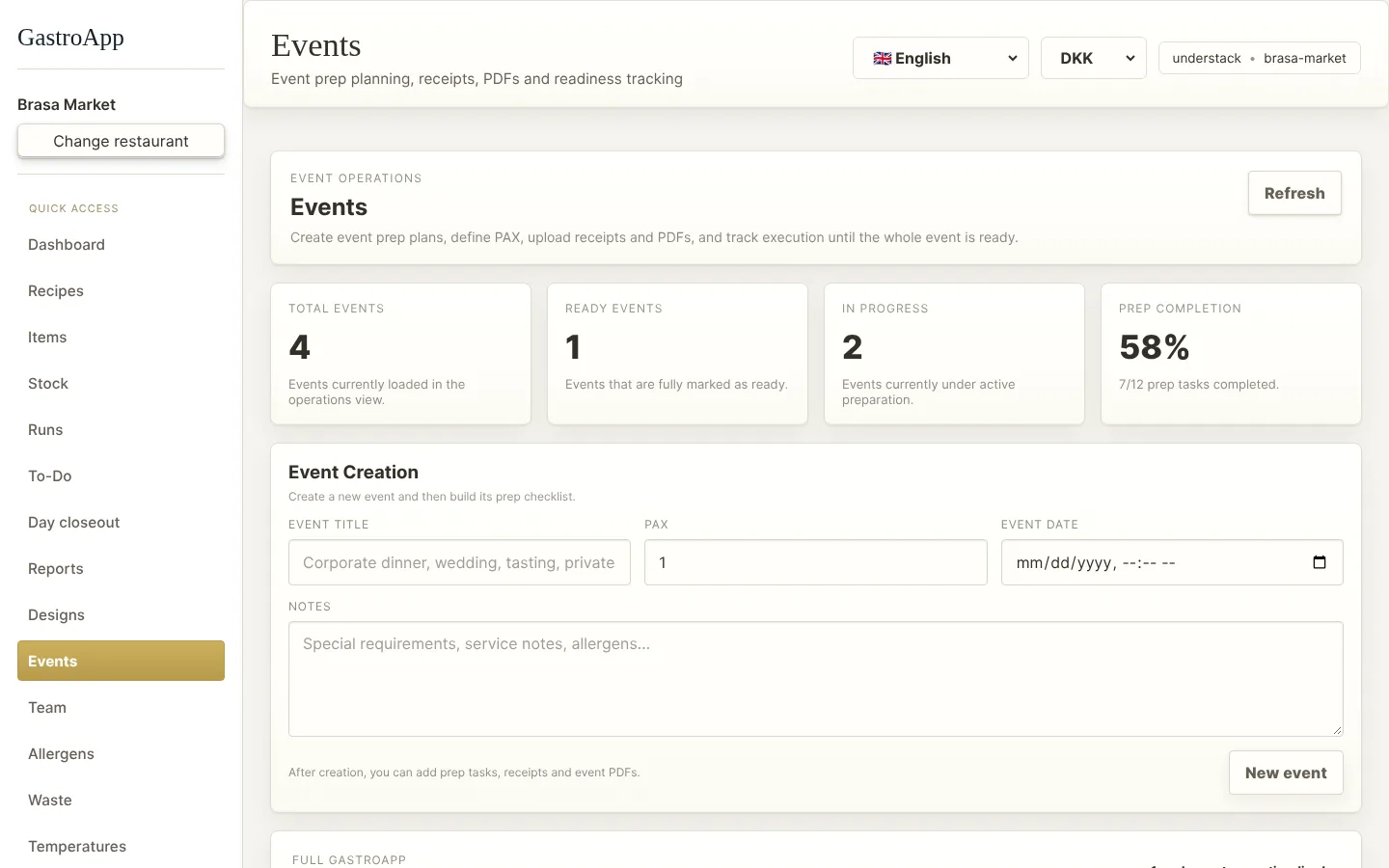
Events page Step 2. Add prep items (tasks to do before the event) and upload receipts and documents to the event.
Step 3. Open Buffet → New buffet plan. Write the number of guests, press Add dish and set the portions per guest and an extra buffer %.
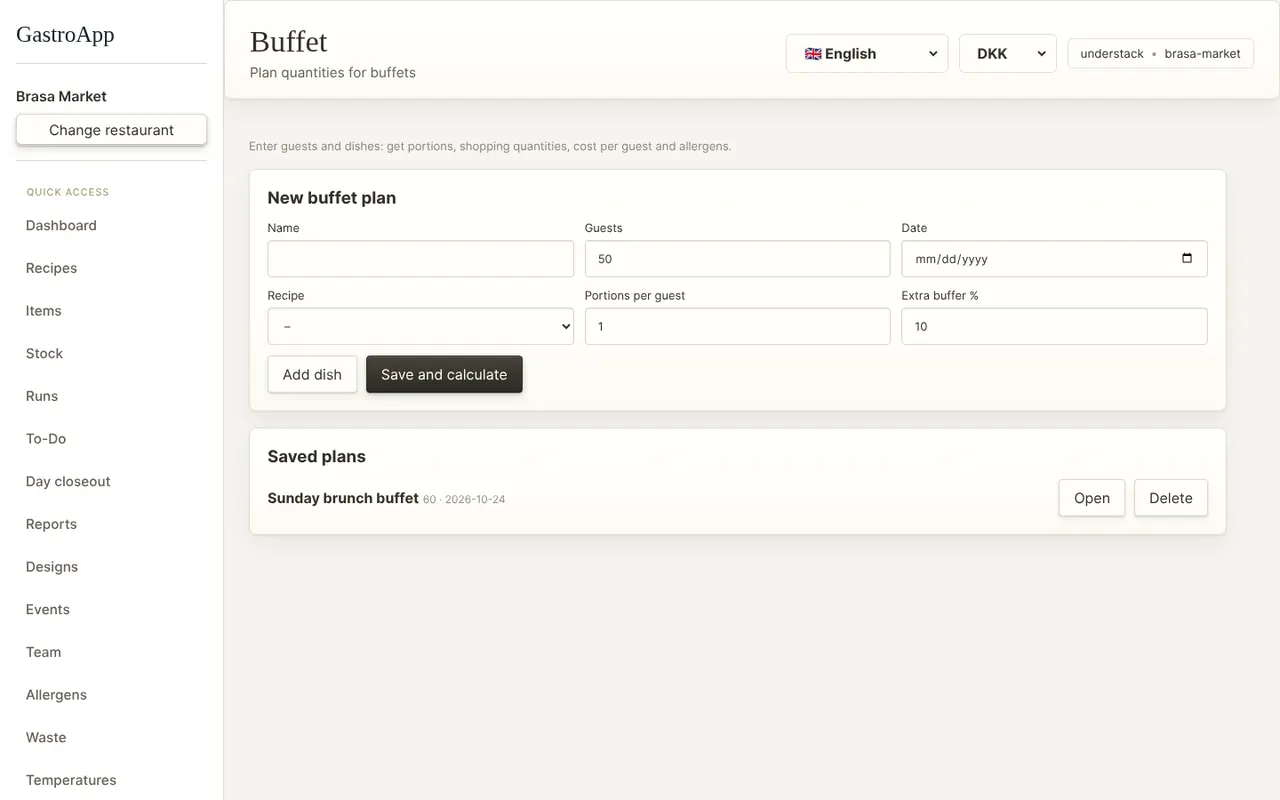
Buffet planner Step 4. Press Save and calculate. You get the portions per dish, the purchase quantities (with ingredient waste), the cost per guest, the allergens and what is missing in stock.
Step 5. Open Event menus, choose an event and build its menu in courses. The guests come from the event.
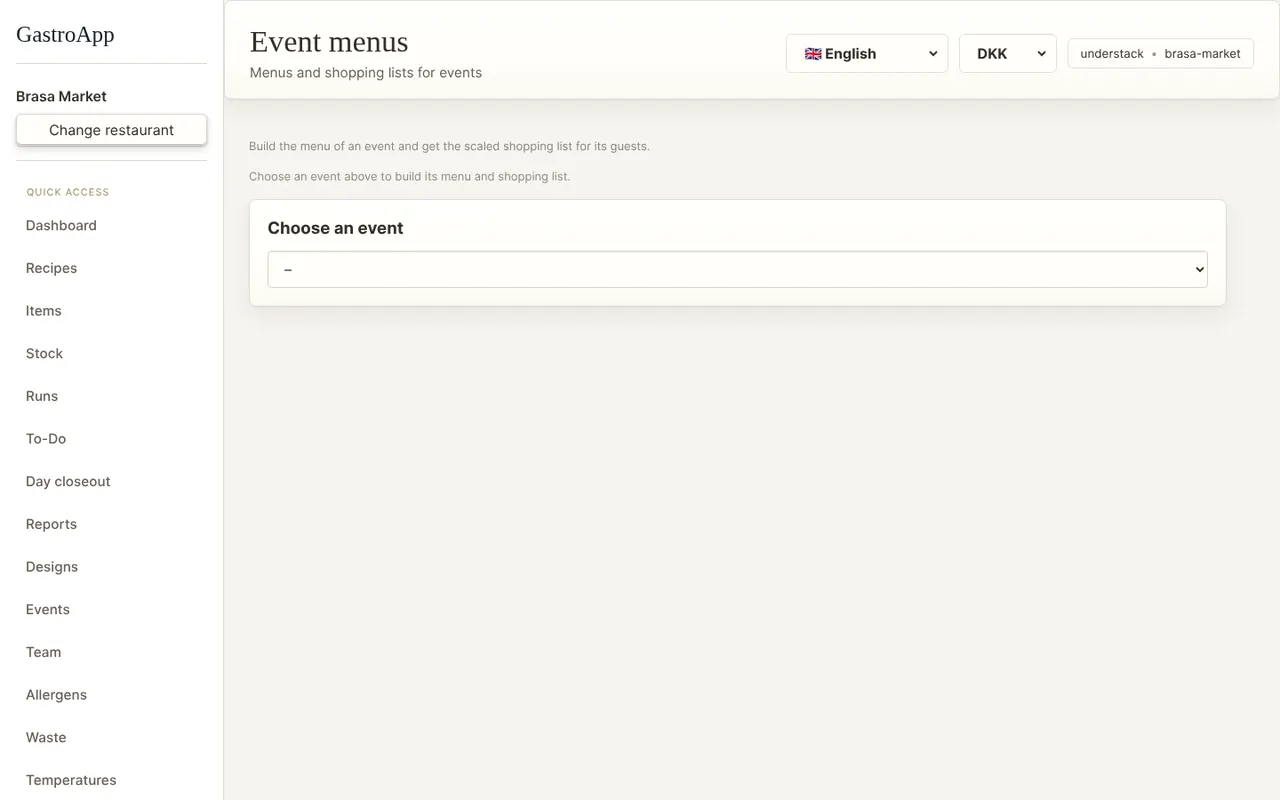
Event menu Step 6. You get the scaled shopping list, the cost and the allergens. This needs the Events and Recipes modules.