
GastroApp manual
Choose the modules you need
GastroApp is modular: switch on what your kitchen uses and hide the rest.
Step 1. Open the menu group Workspace and choose Modules. The owner can change modules (and the head chef too, if the owner allows it).
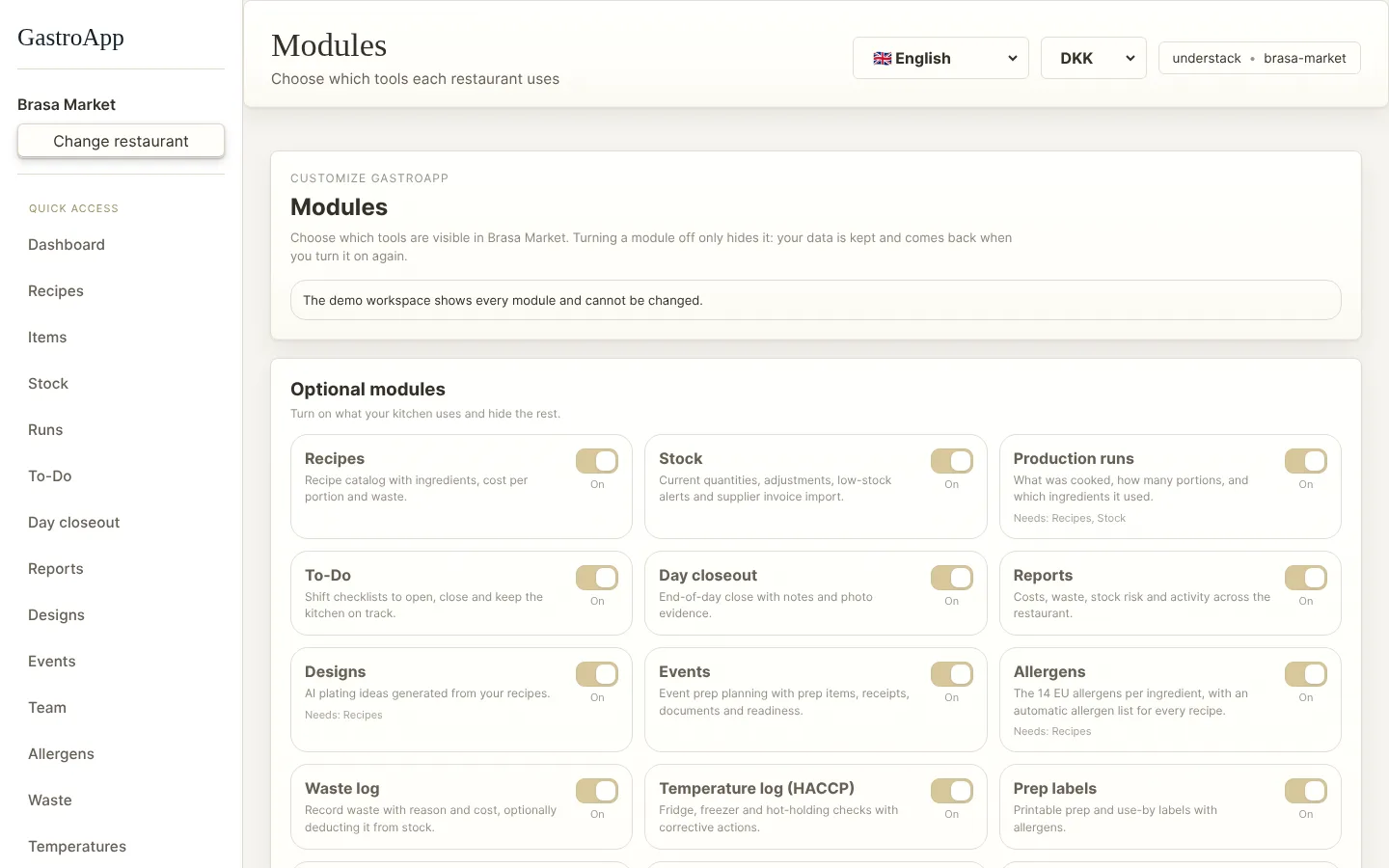
Modules page Step 2. The basic list (recipes, items, stock, production, to-do, closeout, events) is included in every kitchen.
Step 3. Under Optional modules, switch each module on or off: allergens, waste, temperatures, labels, receiving, orders, shift notes, stations, buffet, event menus, routines, task board, training, suppliers, stock counts, equipment and documents.
Step 4. Not sure where to start? Pick your kitchen type (small, large, buffet, events, hotel) to start with a sensible set. You can preview the change and undo it.
Step 5. Switching a module off only hides it. Your data stays and comes back when you switch it on again.
Step 6. Need something that does not exist? Custom module sends a detailed request to the GastroApp team (paid service).