
GastroApp manual
Create your items (ingredients and products)
The catalogue everything else is built on: names, units and purchase prices.
Step 1. Open Items in the menu.
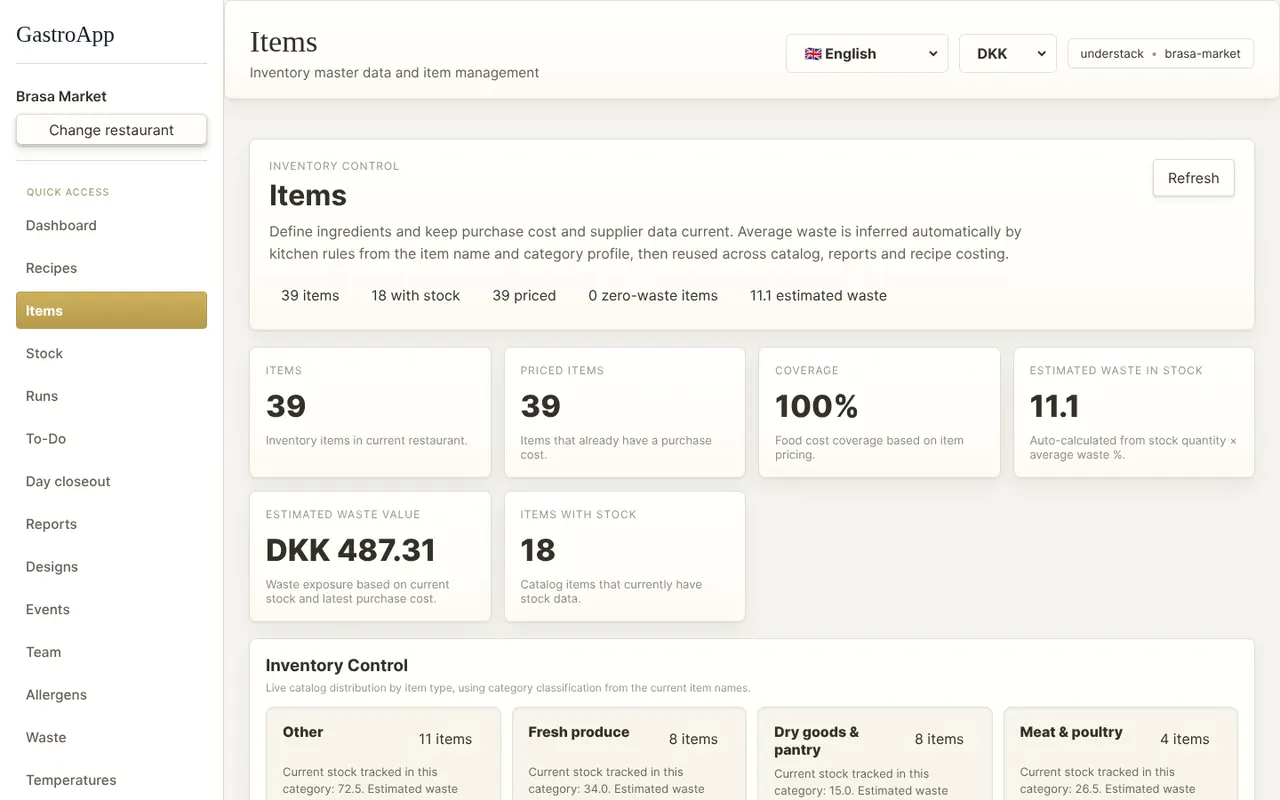
Items page Step 2. Under Create Item fill in the English name and the Danish name (use the same name twice if you only work in one language).
Step 3. Write the Base unit you buy and count in (g, kg, pcs, ml, l…) and the Last purchase price per base unit with its Currency.
Prices are what make the recipe cost correct. An item without a price shows up as “needs pricing” in the recipes.
Step 4. Optionally add the Supplier. It is used later to group your purchase orders.
Step 5. Press Create Item.
Step 6. Have a supplier price list or invoice? Under Import supplier document press Choose file and follow the screen to load items and prices in one go.
Step 7. When a price changes, use Update Item Cost: pick the item, type the new price and press Update Cost. Recipe costs update automatically.