
GastroApp manual
Computer, tablet and phone
Which device to use for what, and how the menu works on a small screen.
Step 1. GastroApp is the same app on every device. For office work (recipes, costing, purchasing) a computer or tablet is the most comfortable. For daily kitchen work (routines, task board, temperatures) a tablet or phone is perfect.
Step 2. On a computer or a tablet held sideways, the menu is always visible on the left.
Step 3. On a tablet held upright or on a phone, tap the menu button (three lines) at the top. The full menu opens, with language, currency, Change restaurant and Logout.
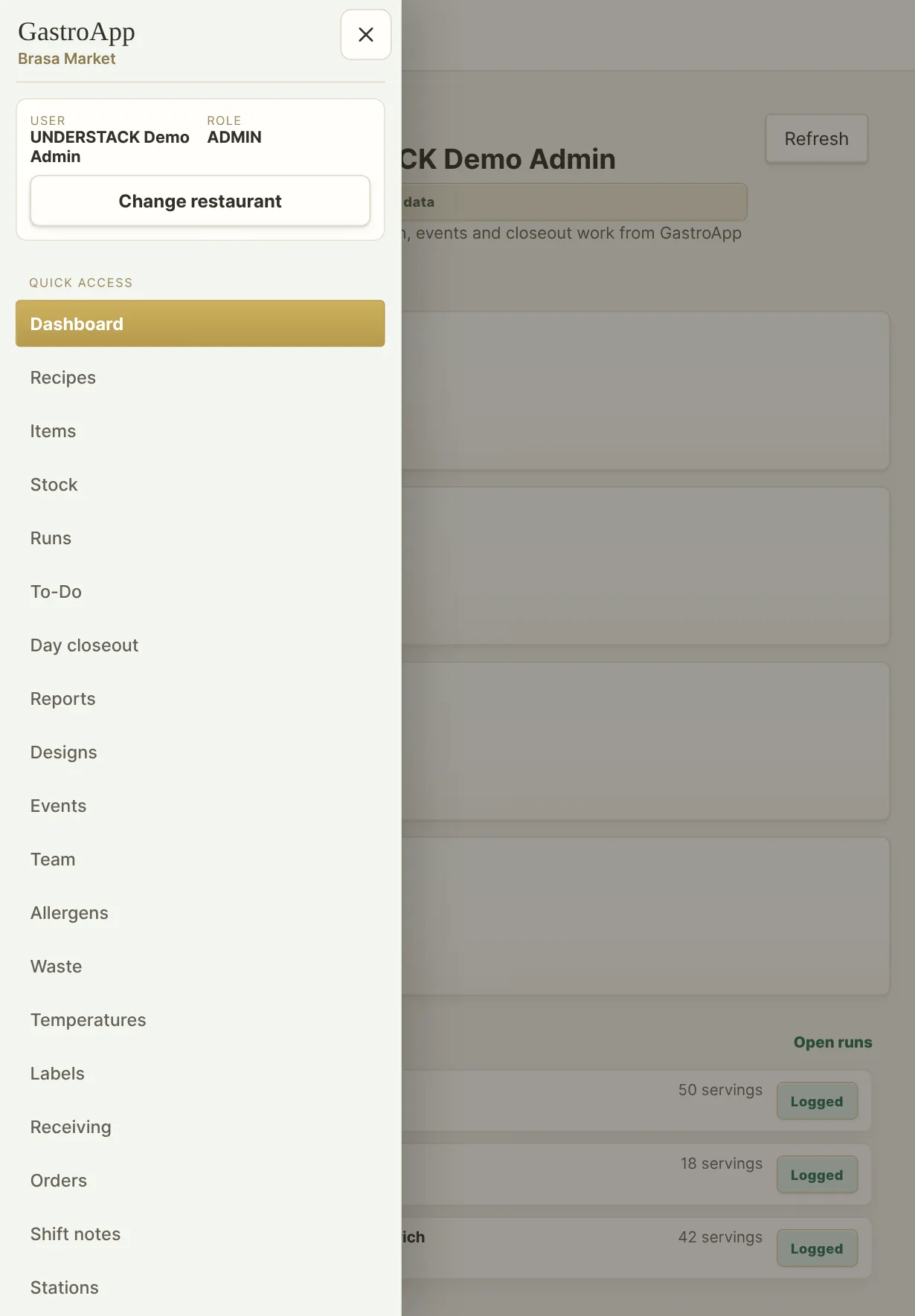
Menu drawer on a tablet Step 4. On a phone there is also a bar at the bottom with four shortcuts and a Menu button.
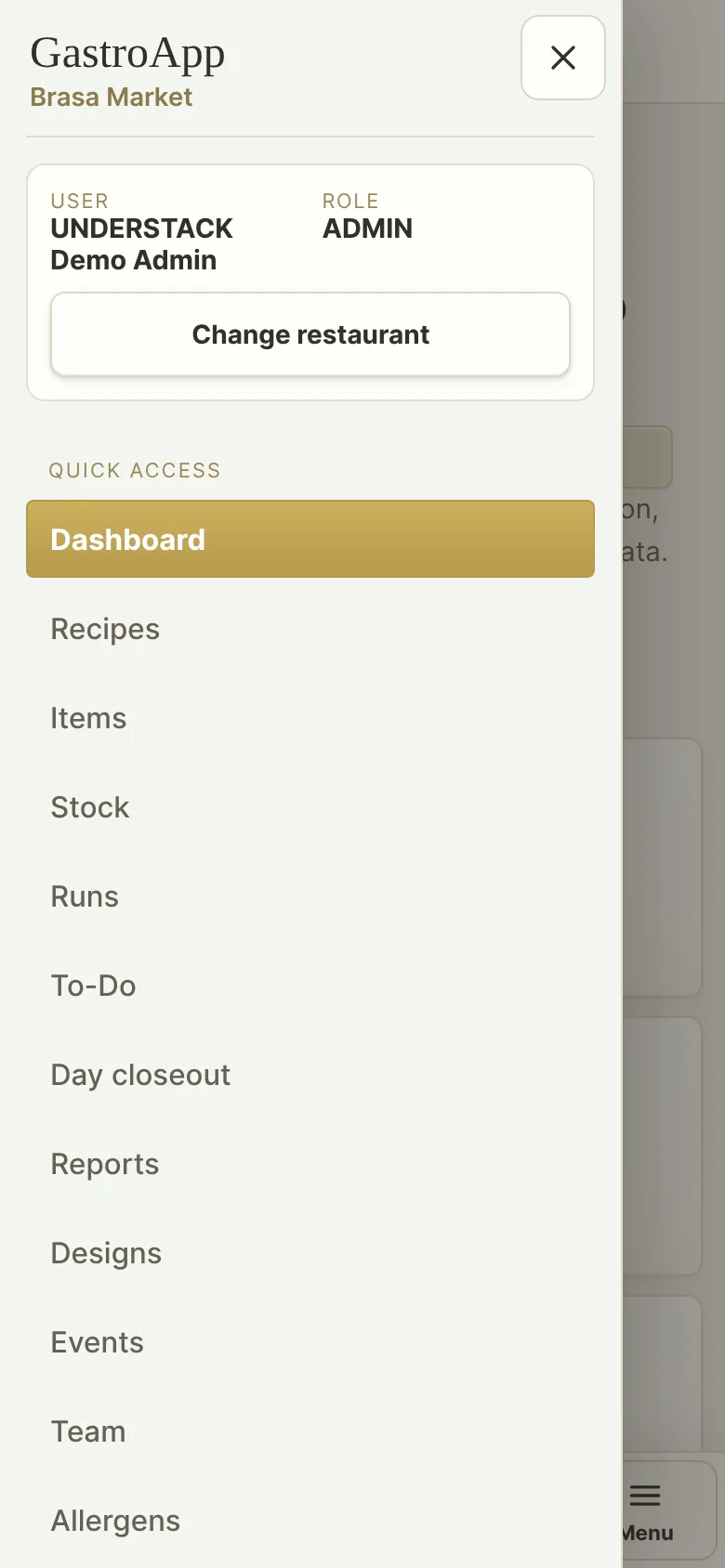
Menu drawer on a phone Step 5. Tap outside the menu, or press Esc, to close it. It also closes when you open a page.