
GastroApp manual
Allergens
Mark allergens once per ingredient and get the list for every dish automatically.
Step 1. Open Allergens. There are two tabs: By ingredient and By recipe.
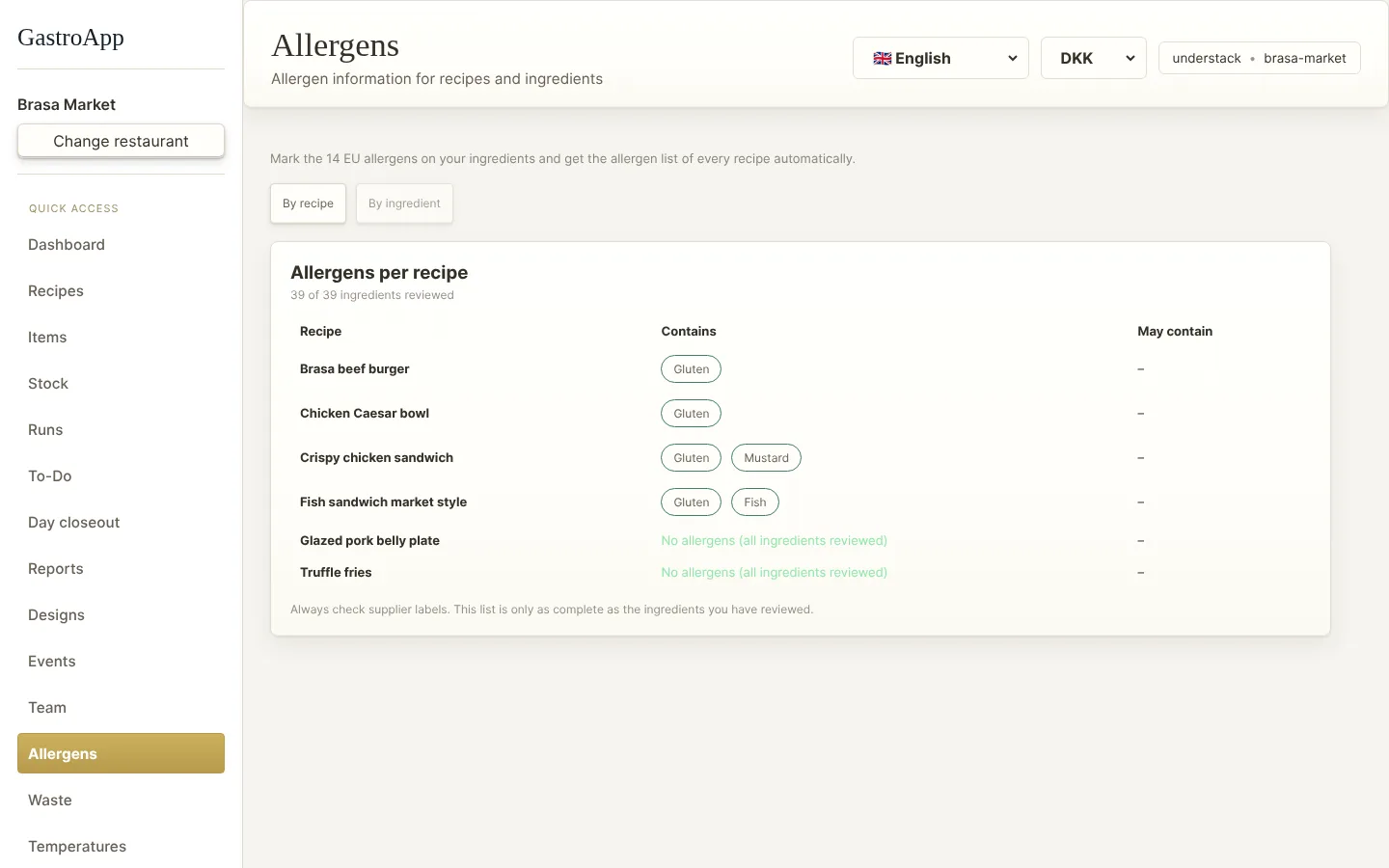
Allergens by recipe Step 2. In By ingredient mark the allergens of each ingredient, or tick “no allergens”. Compare with the supplier label every time.
Step 3. In By recipe GastroApp builds the allergen list of each dish from its ingredients.
Step 4. If an ingredient has not been reviewed, the dish shows an amber or red warning “Incomplete — do not use as an allergen declaration” instead of “none”.
Labels, buffet plans and event menus use these same data. Printed labels say UNVERIFIED while something is missing.